Live signed proof
ProofQR
A moment that was actually there — not a screenshot from last week.
One phone holds a rotating signed code. Another scans it and grades whether the proof is still alive: signature, time, a location claim, and whether the code moved in the scene.
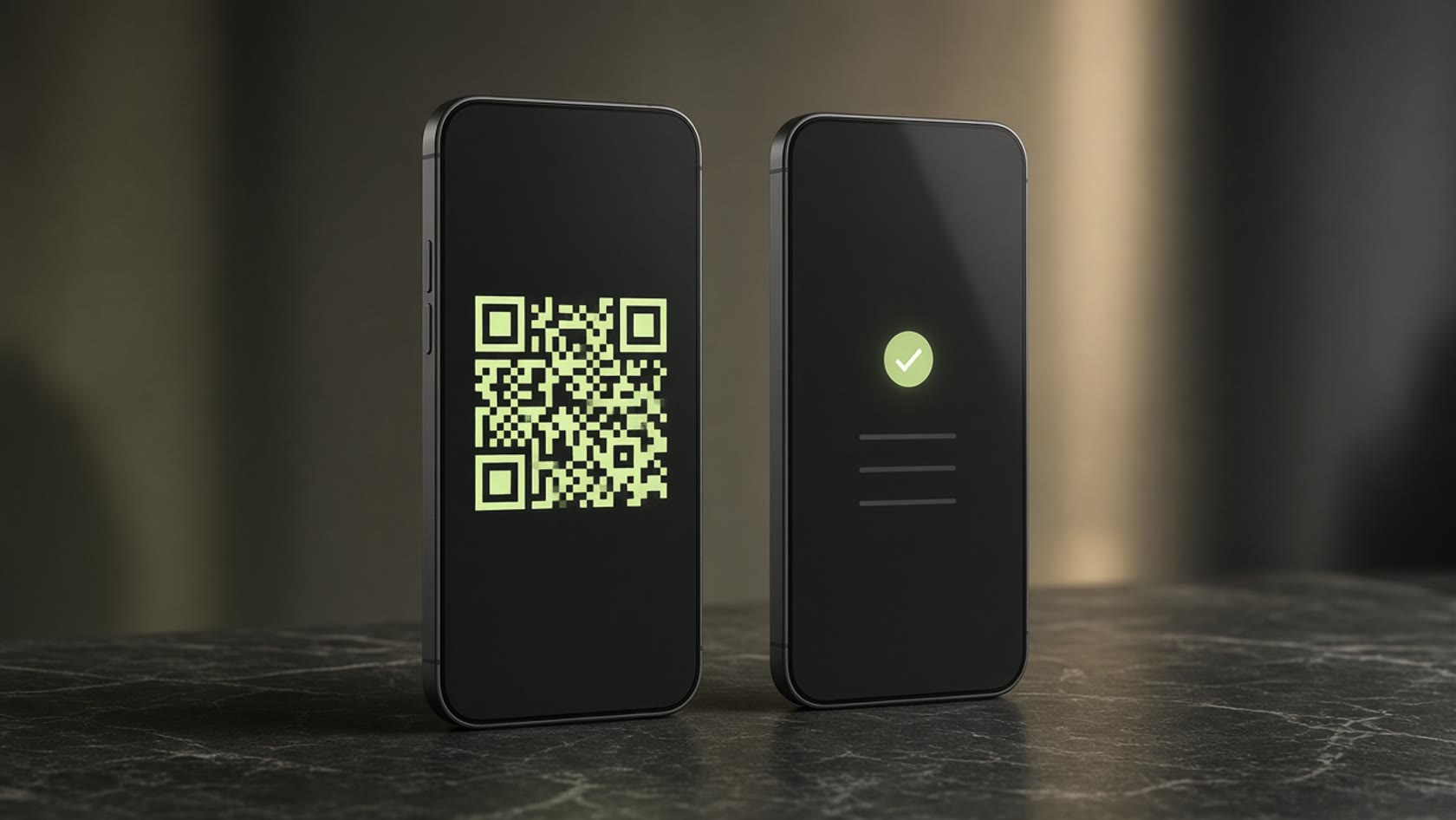
Why it exists
Put the proof in the same frame as the work.
A static QR can be copied. A photo can be reused. ProofQR keeps issuing short-lived tokens, so a scan asks whether this proof is still alive — not whether a square looks official.
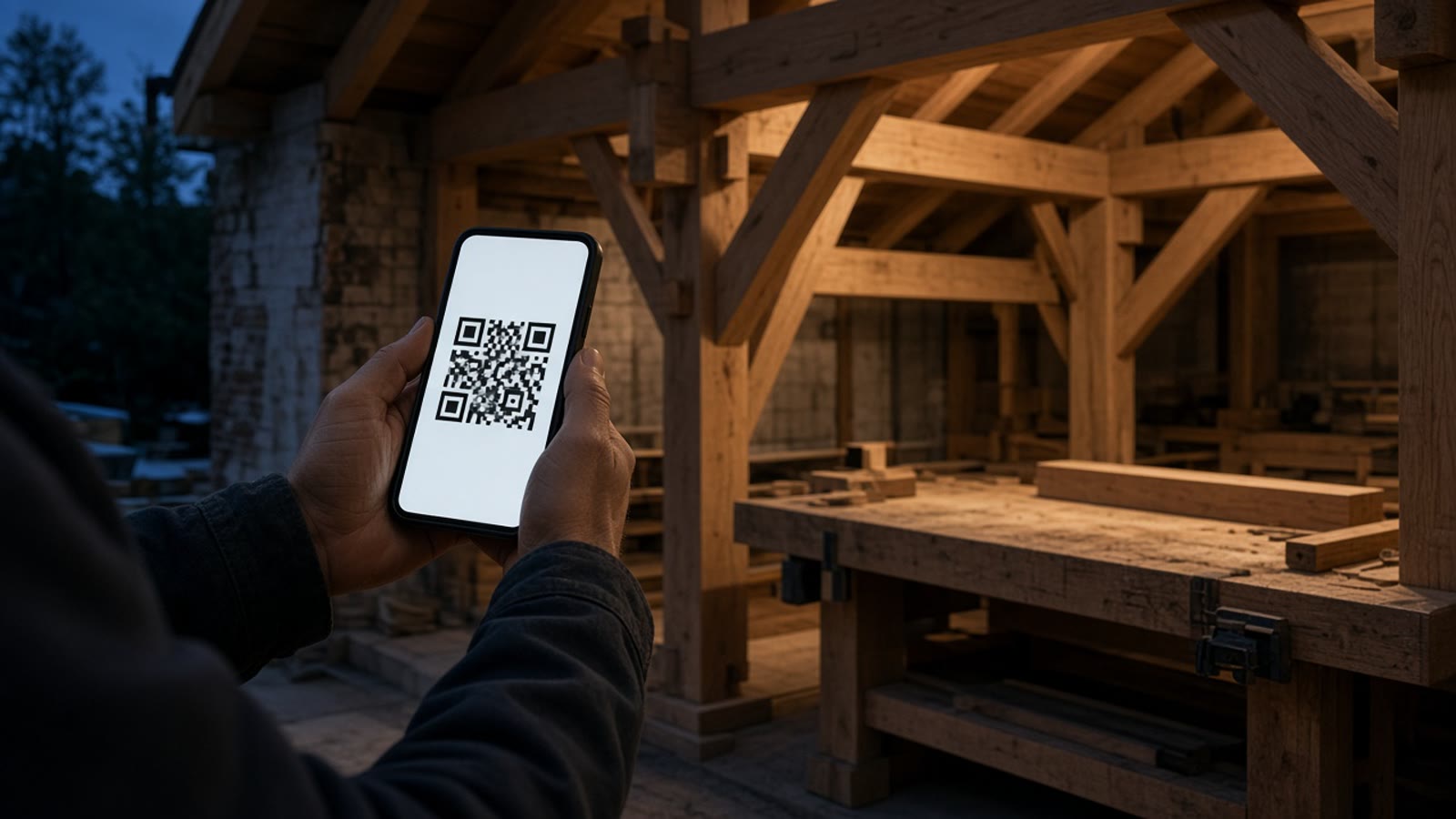
- Field evidence A visit, a handover, a check — tied to a clock the prover does not control.
- Harder to reuse Expired or frozen codes fail the timeline and the scene binding.
- Honest grades Crypto, time, location claim, binding. No fake “100% real” stamp.
Two phones
How it feels to use
A minute, side by side. Register once for live proofs. Verification stays open.
-
01
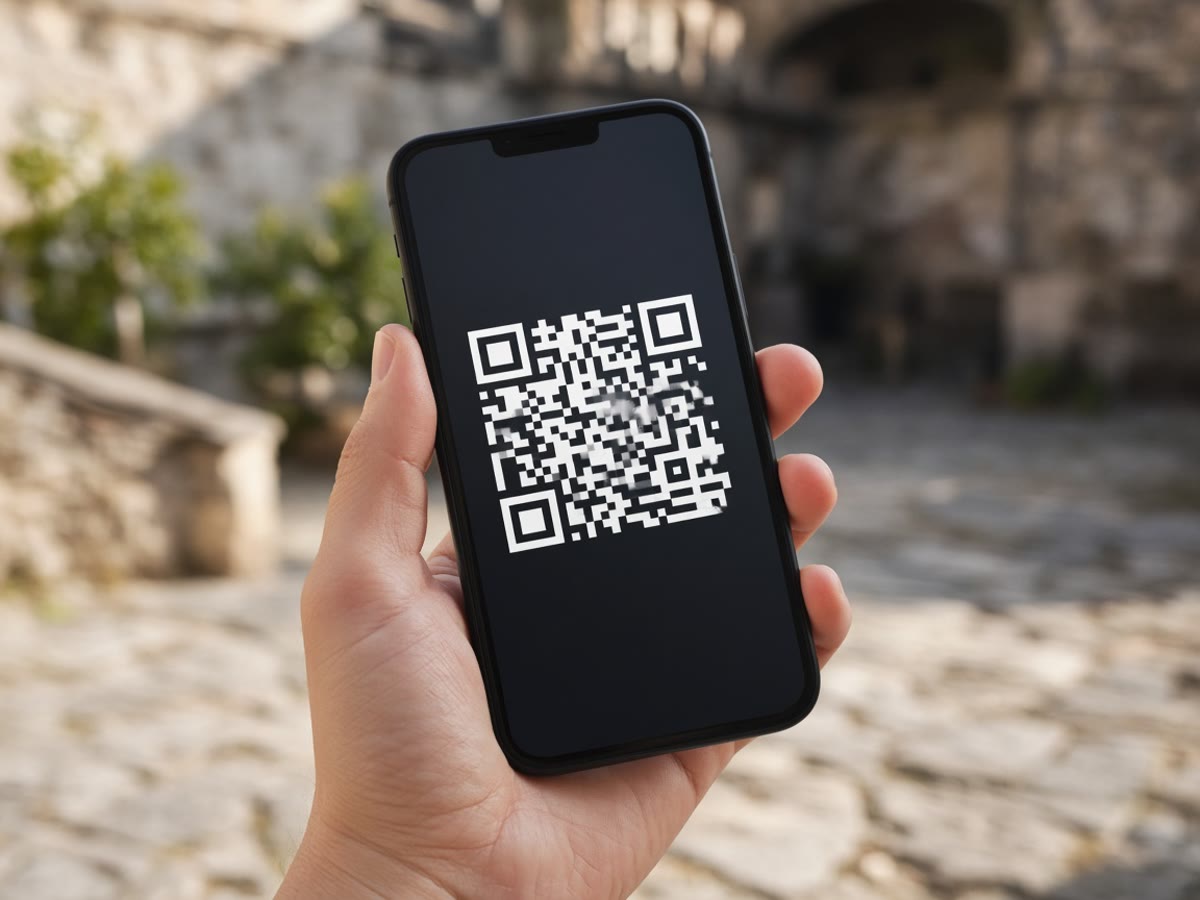
Show the live code
Create an account, then open live proof on the first phone. Leave location on if you want a GPS claim in the token.
-
02
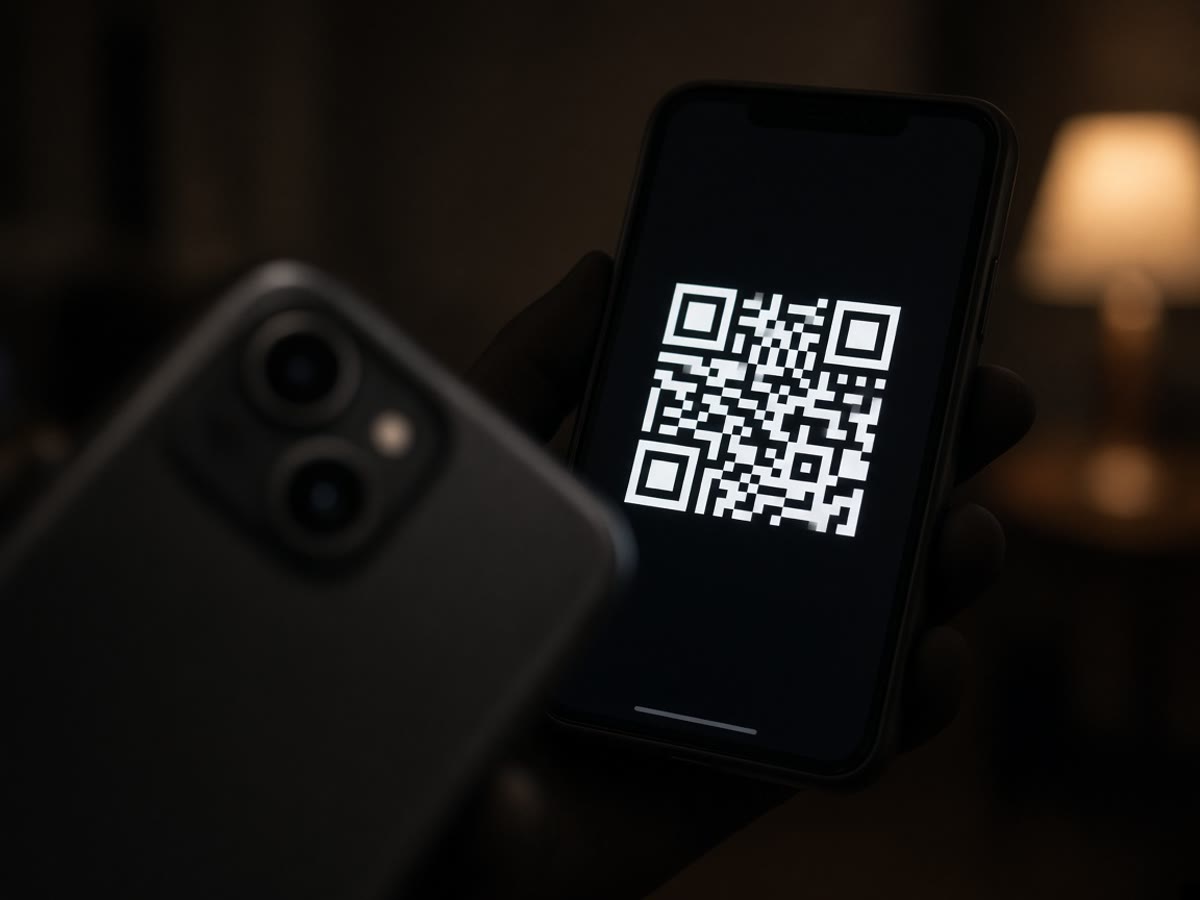
Scan it while it turns
On the second phone, open the camera or Verify. A still is a weak binding. A few rotates in a short clip can pass.
-
03
Read the grades
Signature, time, location claim, scene binding. If you are signed in, email yourself an encrypted PDF of that result.
Ready
Try it with two devices.
Ten live sessions are free. Scanning never asks you to sign in.